10:42
ClockVenue time
Visual publishing for TVs & screens
Design menus, promos, slideshows and live information. Publish to one screen or many, and update them from anywhere.
1 live screen free · No credit card · No trial clock
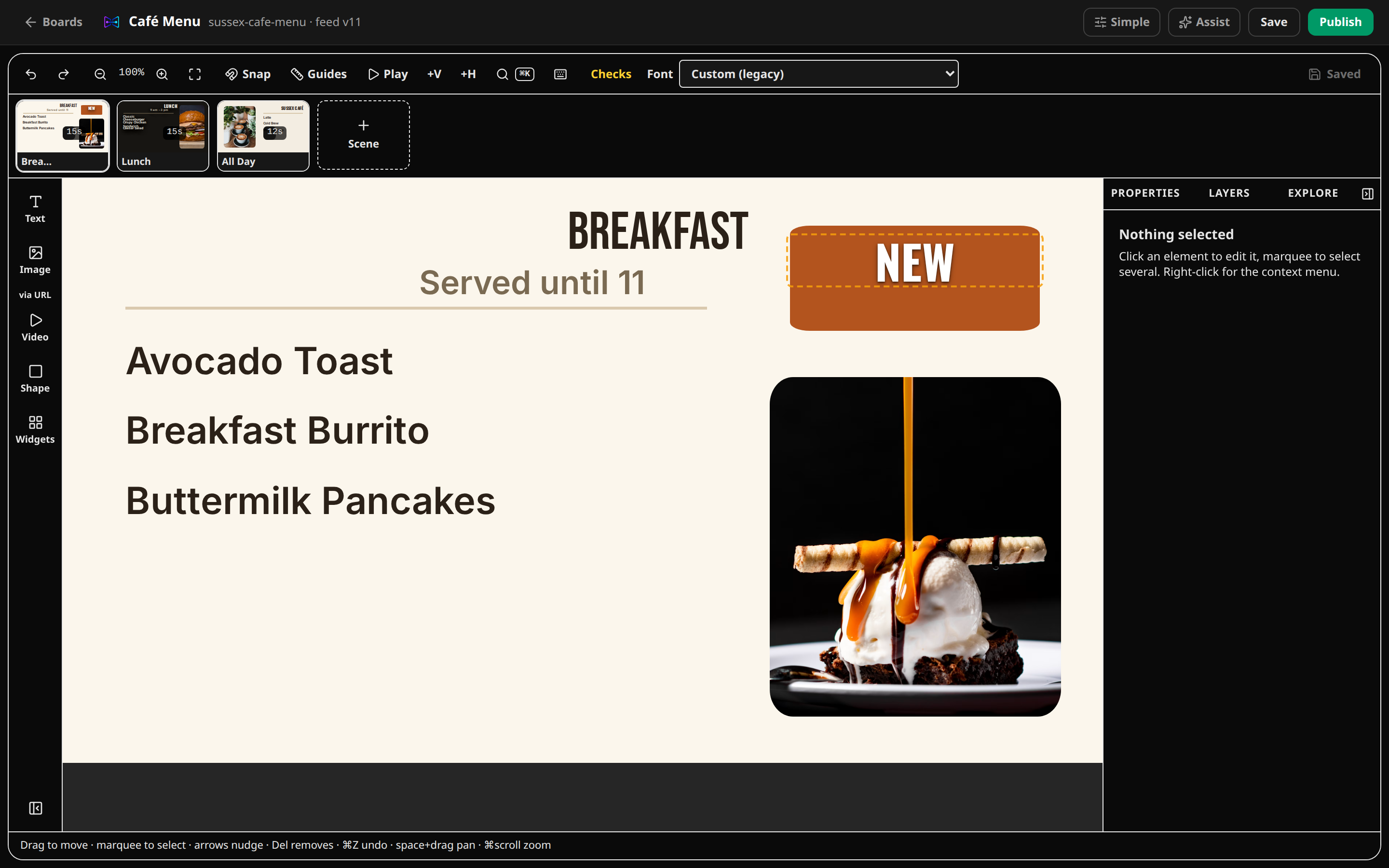
Text layer
Tap the value to make a change.
Interactive preview · No real screen connected.
Build once.Relay everywhere.
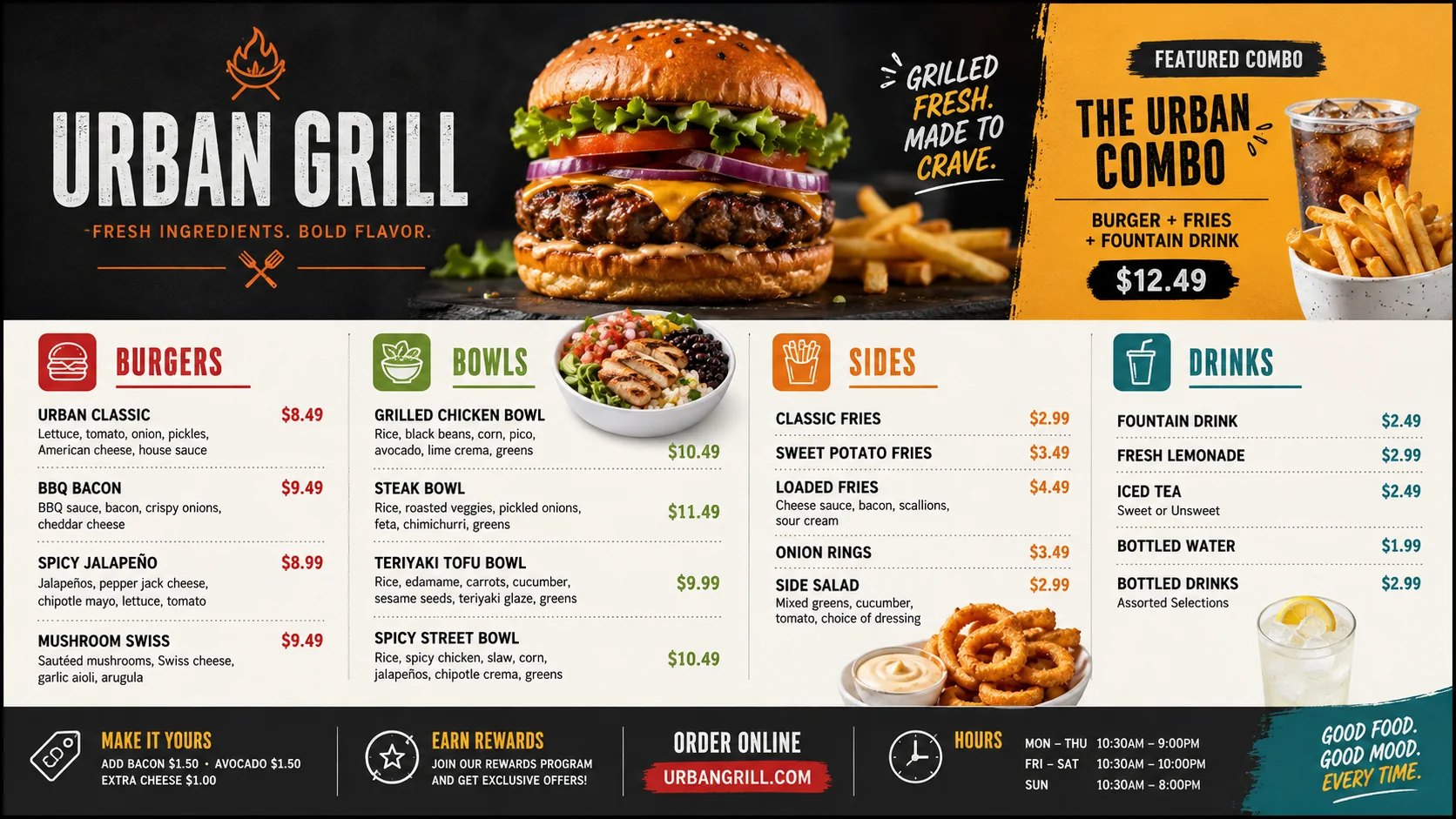
Every image below is the live product — captured from a real workspace, not a mockup.
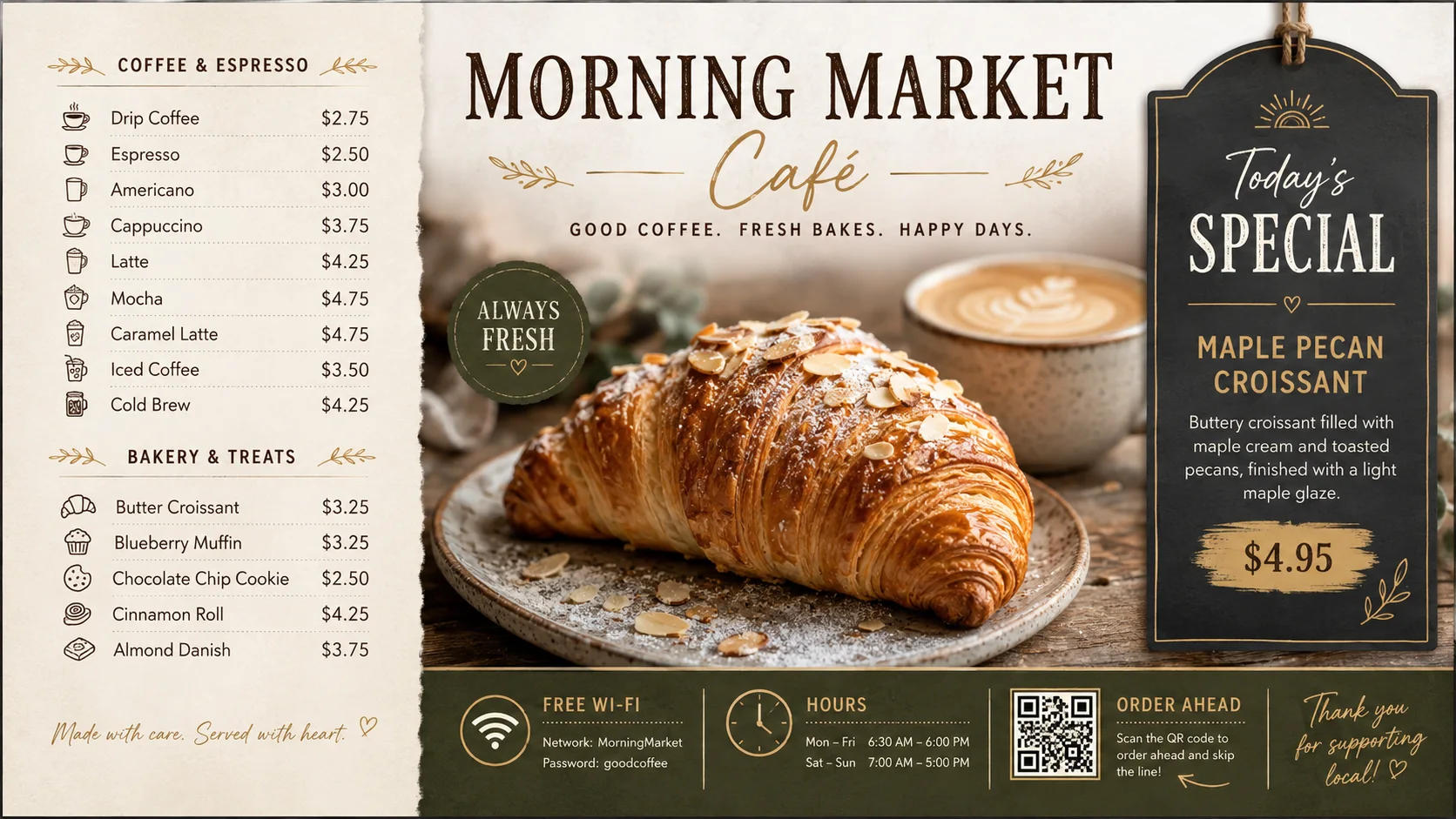
Live on the wall — updates in seconds
Morning Market Café
Edit on the go
CREATE → PUBLISH → MANAGE
The actual CanvasRelay editor. Your own changes.
From editable layers to a versioned release and a connected screen fleet.
Edit text, resize an image, add a scene or drop in a clock. This is the product editor.
RELAY ASSISTANT
Explore different directions using your approved images. Choose an editable scene, refine its elements, and review every change before publishing.
“Create a weekend coffee promotion.
Make the offer clear from across the room.”


AI menu import reads a photo or PDF of your printed menu into editable items and prices — it works for price lists and PDFs generally, not just menus. You review everything before anything goes live. Paste text works too, no AI required.
Live content + scheduling
Combine live widgets with scene schedules that evaluate by weekday, time, date, priority and venue timezone—then preview exactly what plays now.
Illustrative overview · Reflects real scheduling capabilities; visual layout is simplified
Live inputs
Active schedule set
Opening information
Scheduled next
Closes the day
Now playing Breakfast scene
Next transition 11:00 AM
Players
Every platform is labeled from the same verified capability source, so browser support, native beta status and public Store availability never blur together.
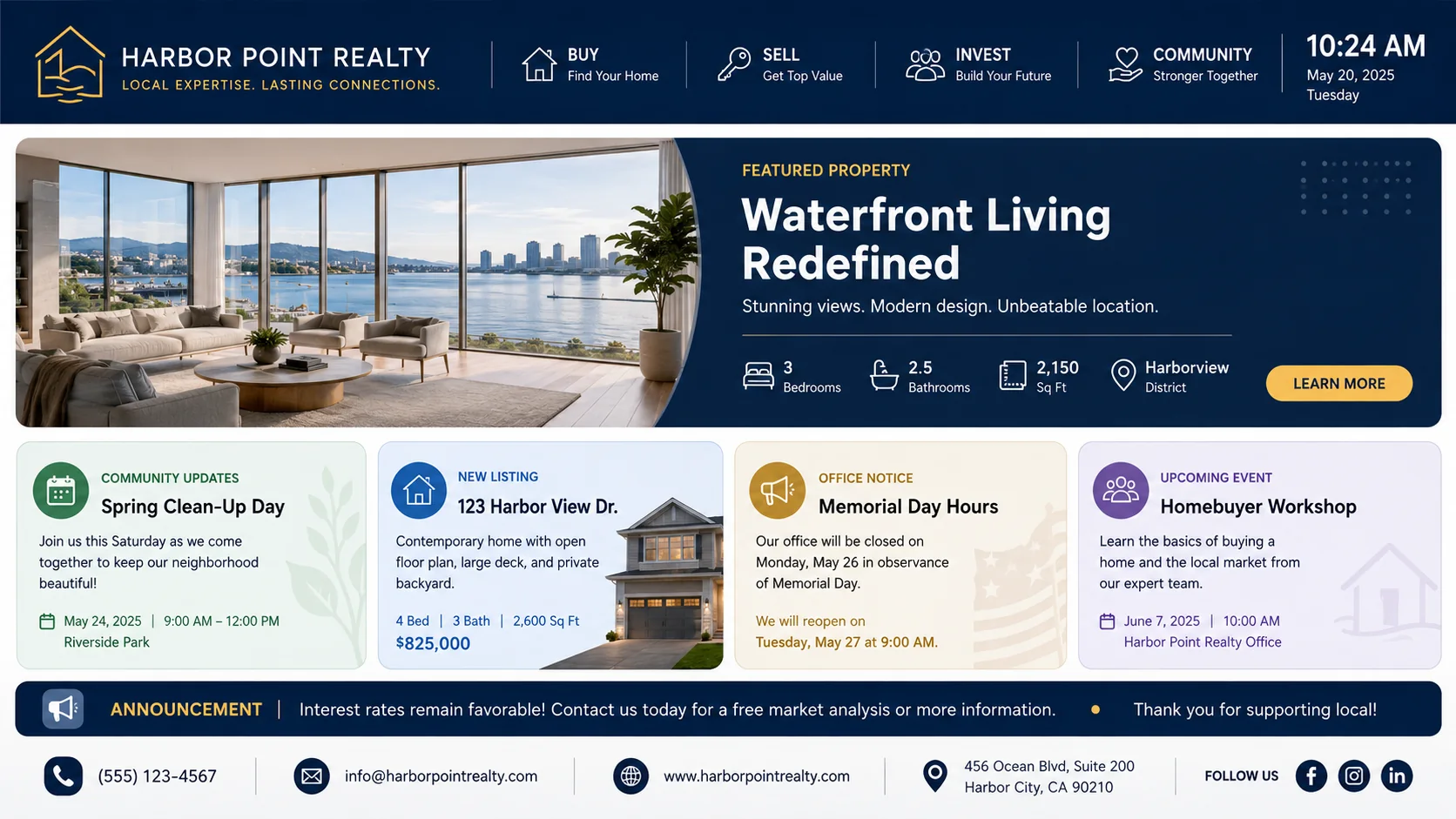
Canvas Relay Pilot · Android companion
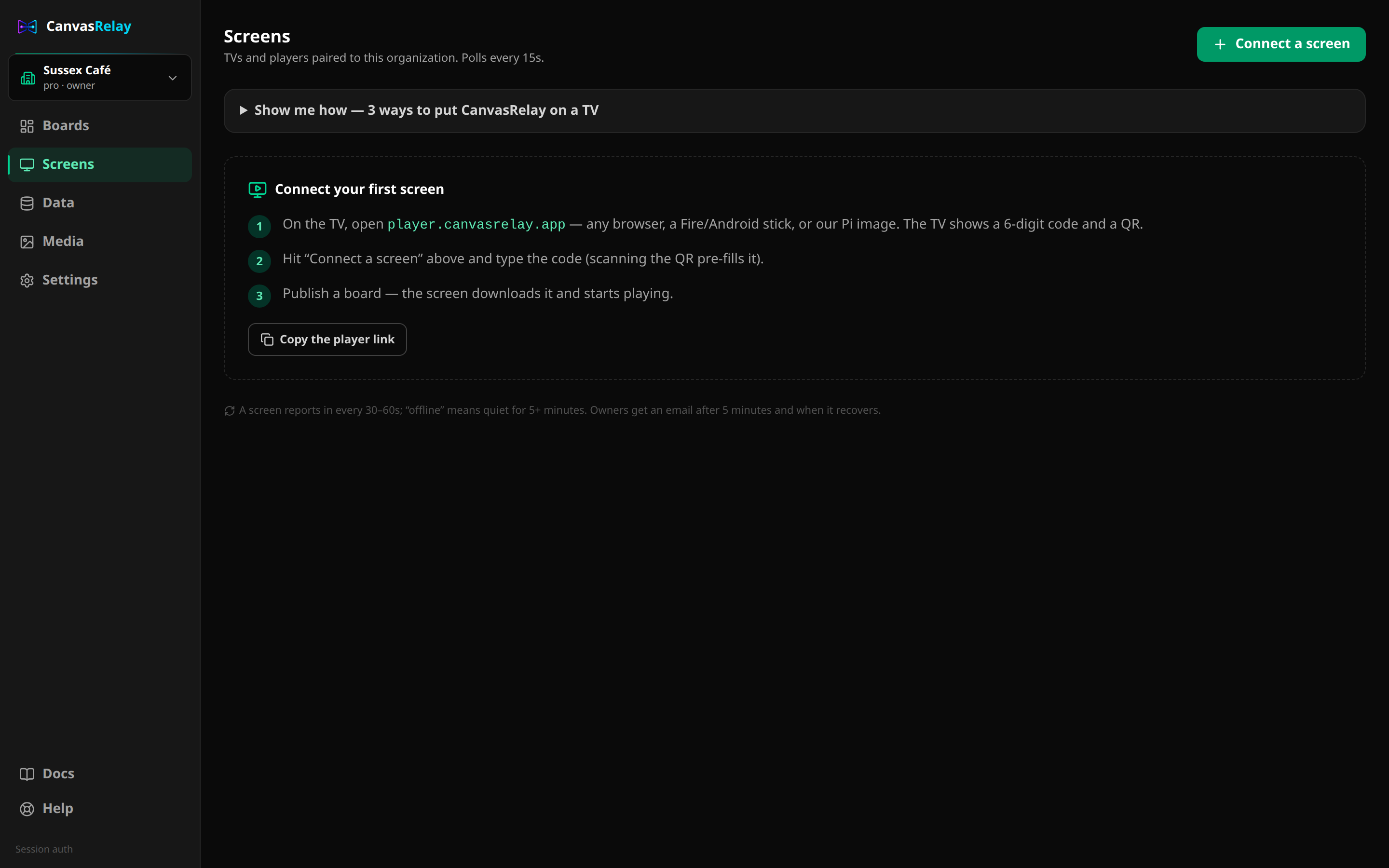
Download Canvas Relay Pilot for Android to publish changes, switch boards, manage media and schedules, respond to alerts, and check screen health from your phone or tablet.
Editable starting points
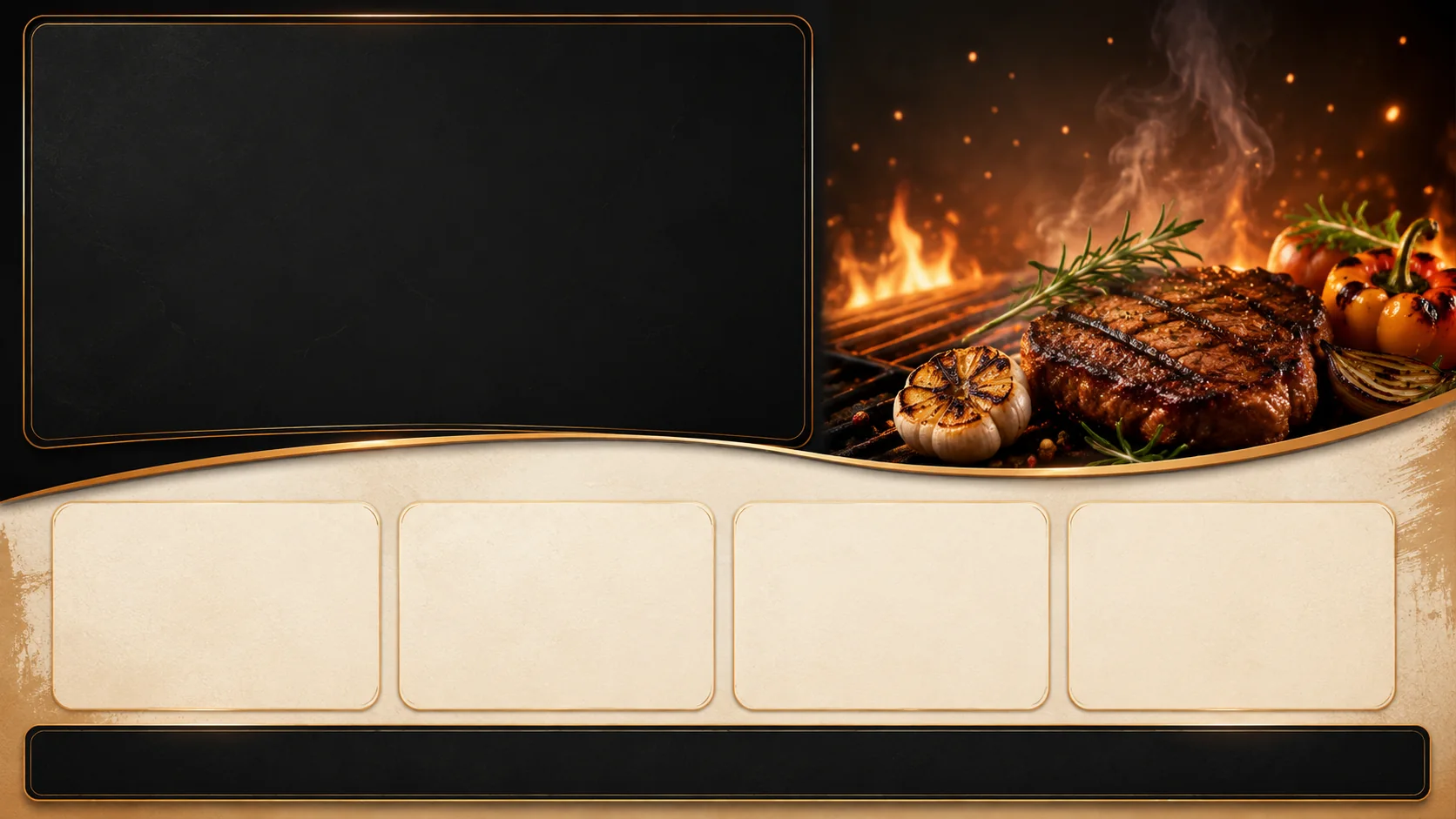
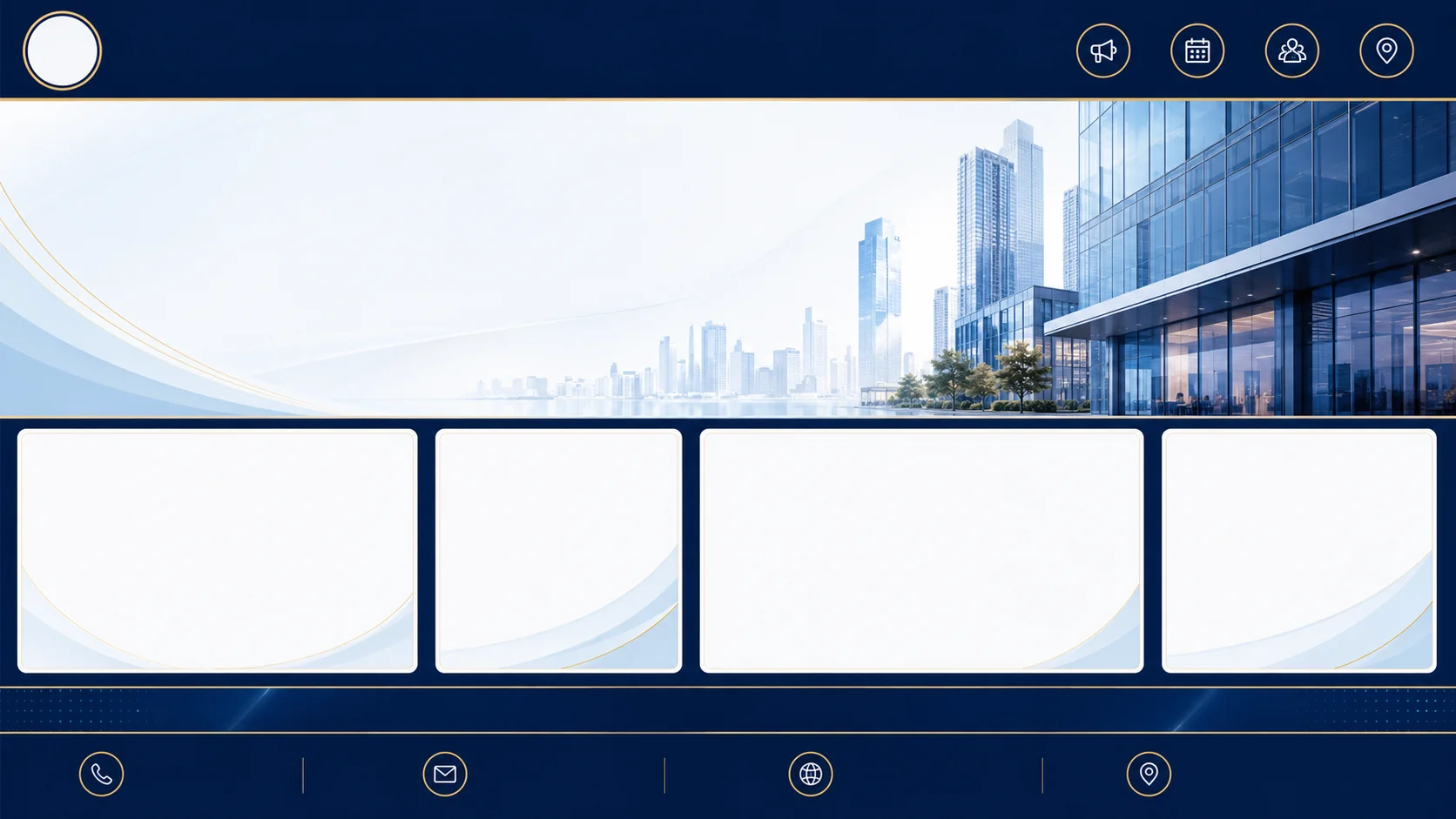
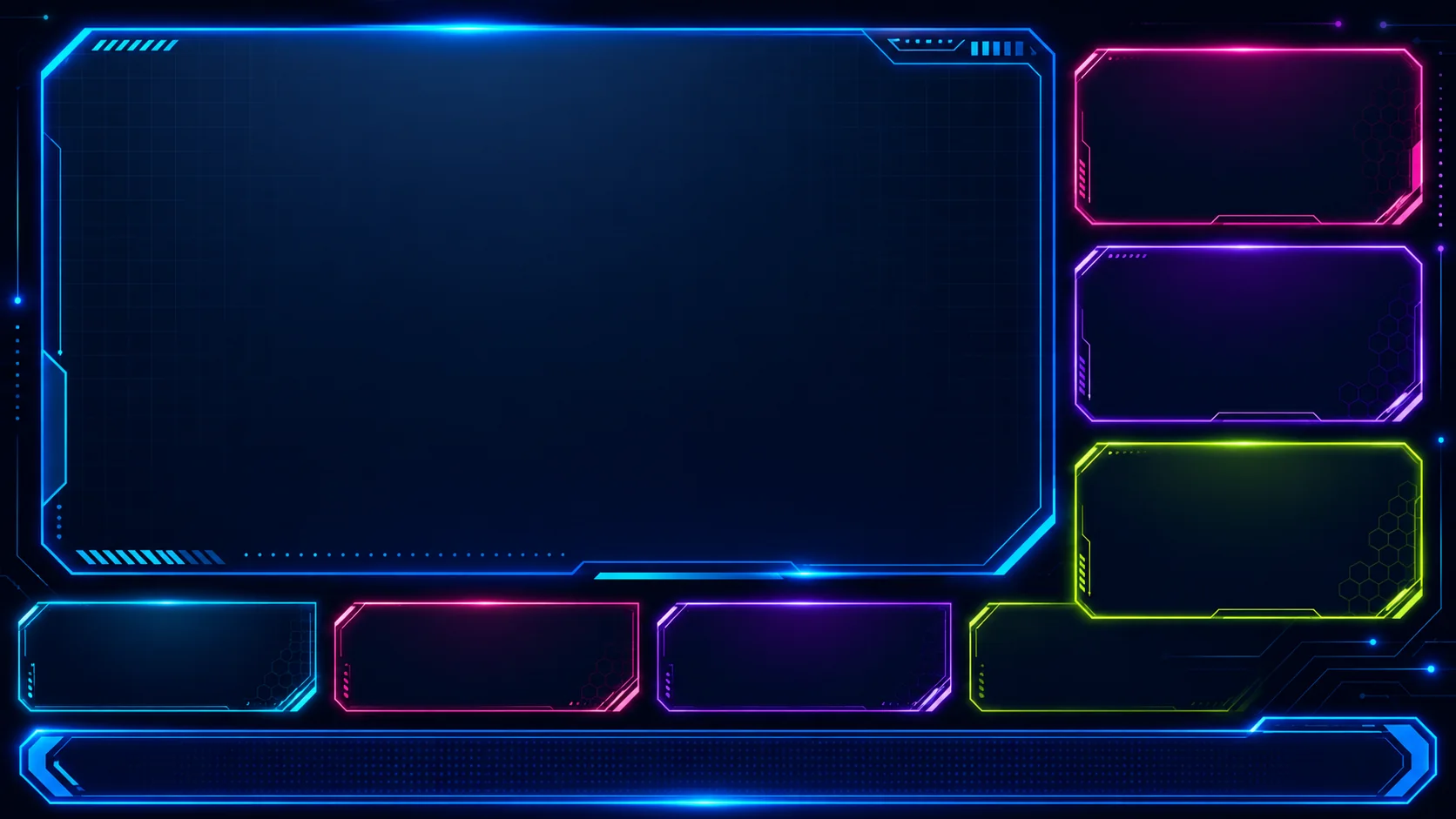
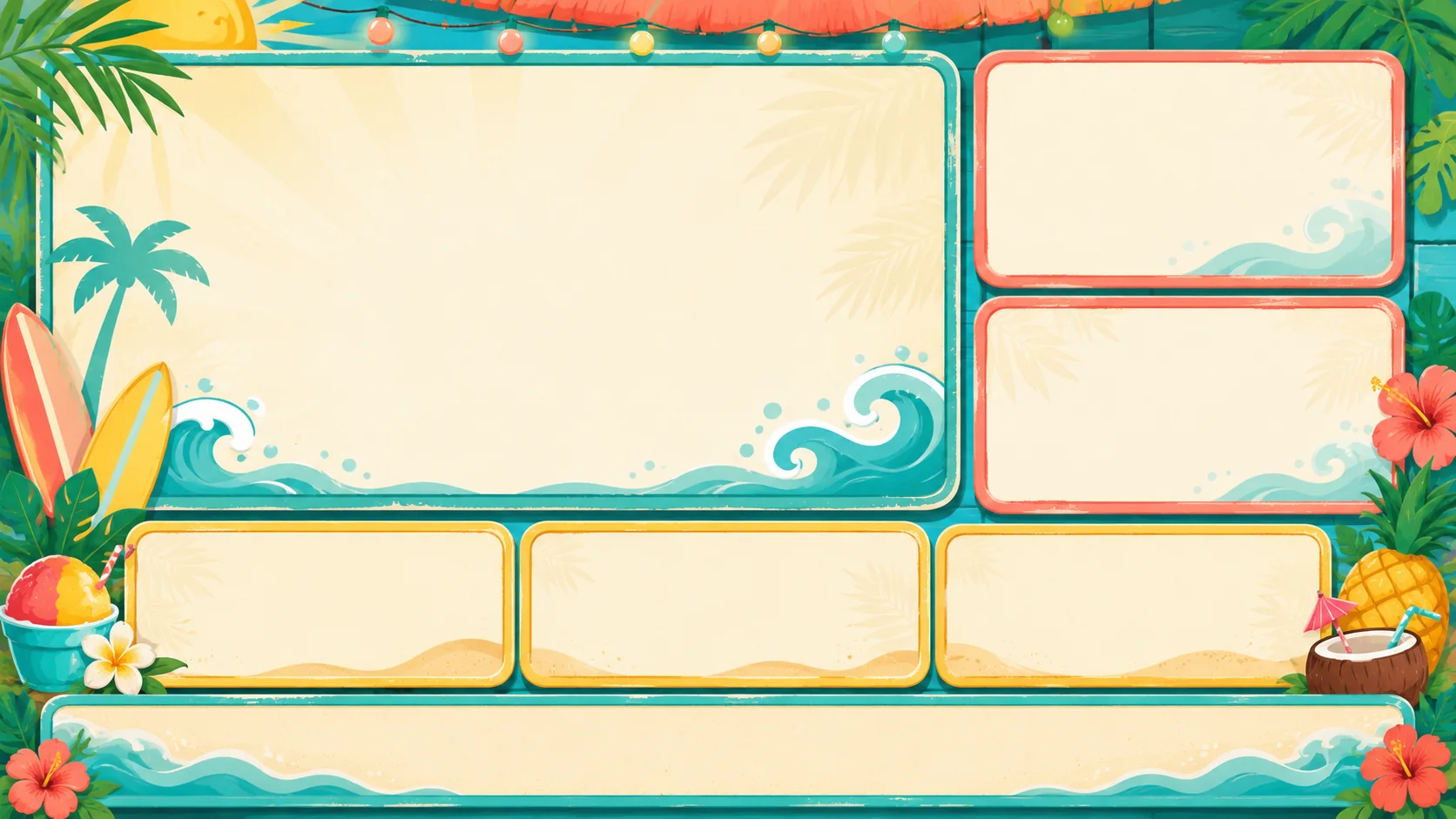
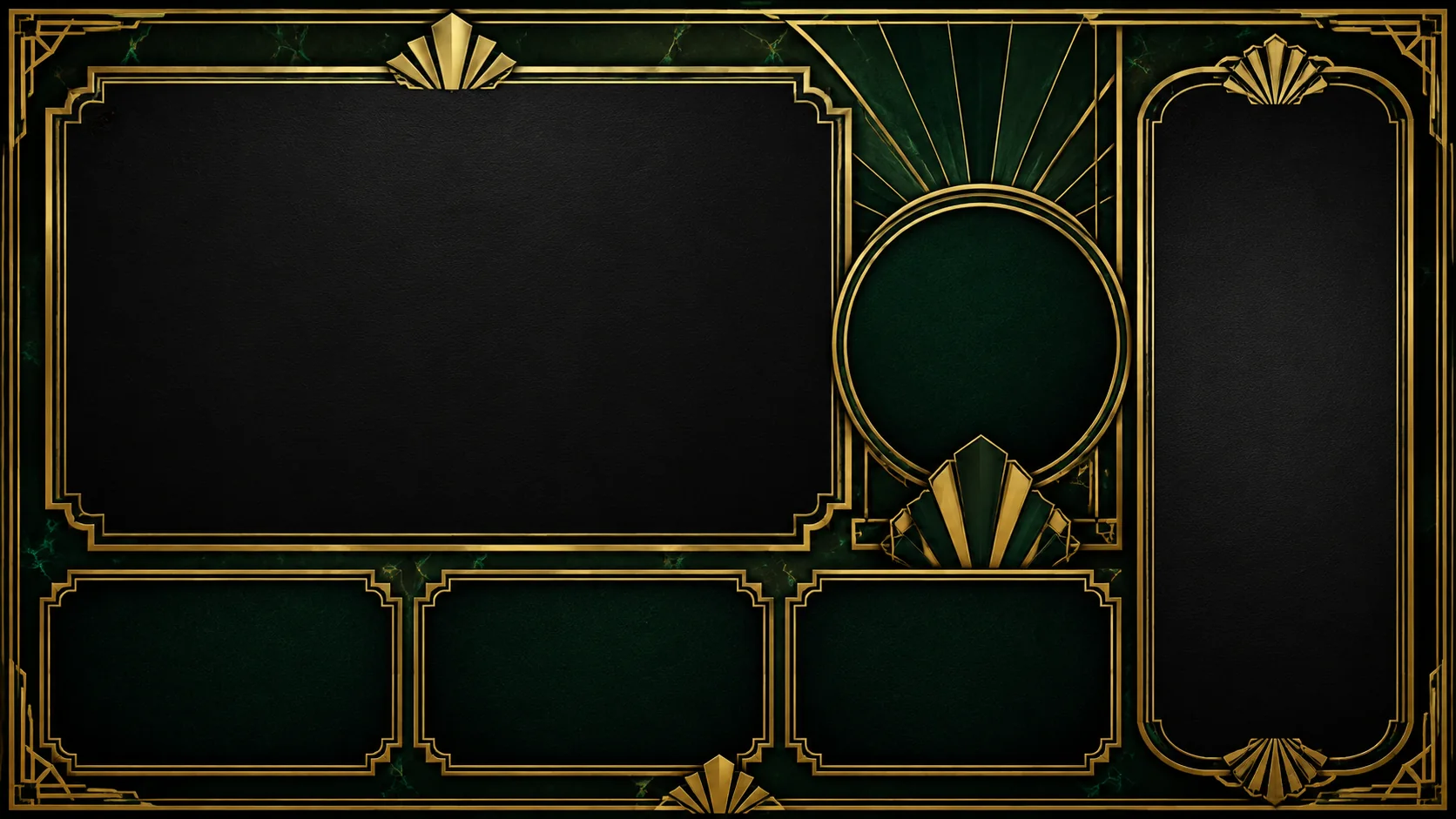
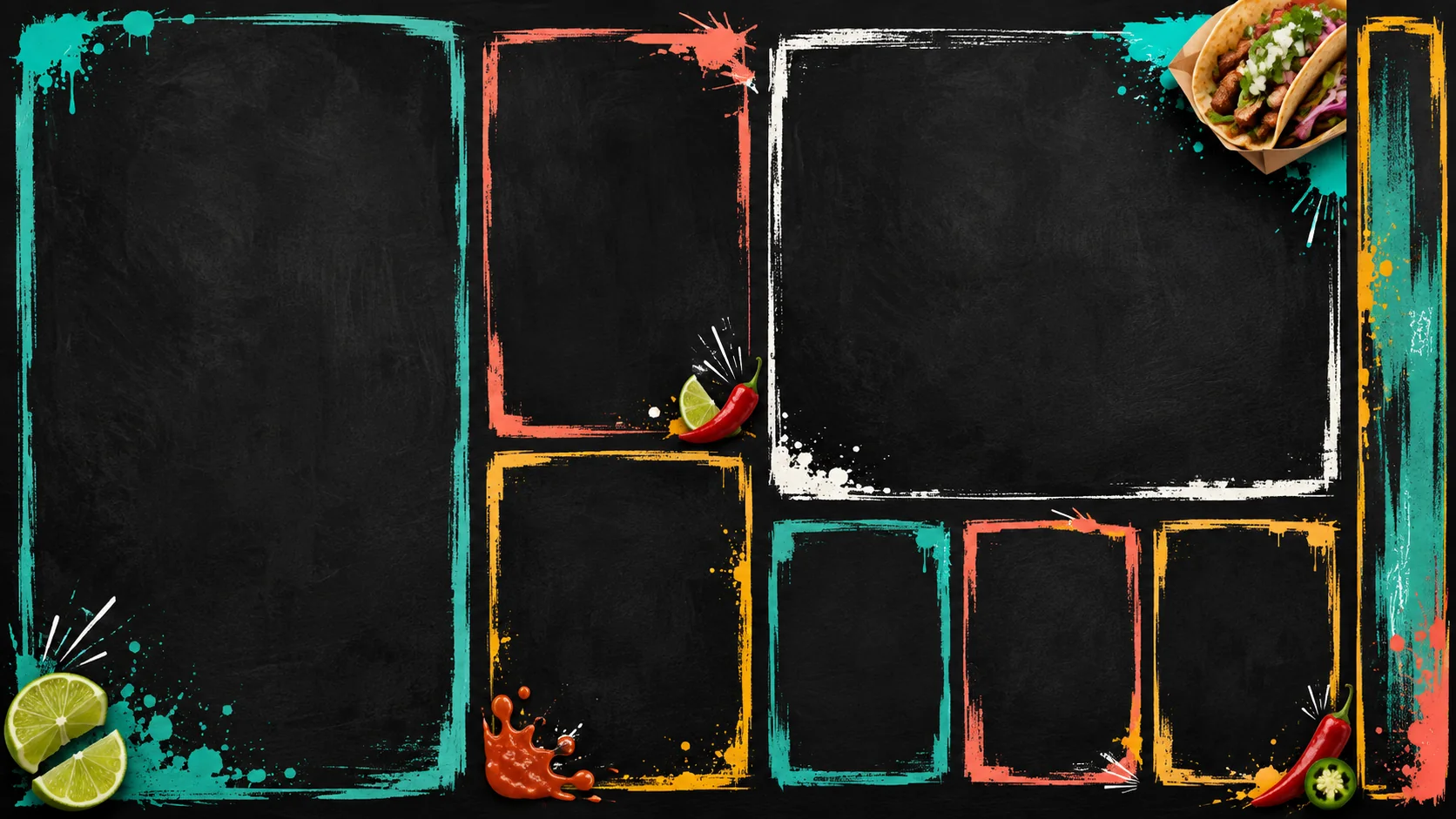
These are blank layout foundations with editable content regions—not flattened finished advertisements. Add your own words, prices and media in the editor.
 01View templates →
Menu layout
 02View templates →
Café layout
 03View templates →
Sports layout
 04View templates →
Services layout
 05View templates →
Information layout
 06View templates →
Gaming layout
 07View templates →
Hospitality layout
 08View templates →
Event layout
 09View templates →
Quick-service layout
 10View templates →
Diner layout
per month
Free plan · no trial clock
One watermarked live screen, three boards, the core editor, basic widgets and 500 MB of media storage. No credit card and no countdown to a forced upgrade.
Reliability
A release should arrive completely, keep playing locally, and report its state without asking someone to stand under the TV.
LOCAL CACHE
ATOMIC RELEASE
FLEET SIGNAL
Honest pricing · per screen
Free forever for one screen. Paid plans from $9/screen/month — and the price on the page is the whole price. No add-on tiers for the basics, no per-feature upsells.
See every plan →$0
$9/ screen
Side-by-side · verified August 2026
| FEATURE / COST | CRCanvasRelayOUR PRODUCT | Yodeck | OptiSigns | ScreenCloud |
|---|---|---|---|---|
| 01From (per screen / month) | $0 free · $9 paid | $8 | $10 | $20 |
| 02Free live screen | ✓ (watermarked) | ✓ (1 screen) | ✓ (3, branded) | Trial only |
| 03Free-position canvas editor | ✓ | Limited | Limited | Limited |
| 04Linked live data | ✓ | — | Partial | Partial |
| 05AI menu import (photo → board) | ✓ | — | — | — |
| 06Try the editor with no account | ✓ | — | — | — |
Competitor entry prices as published, verified August 2026 — check their sites for current offers.
Scale on proof, not pressure
One canvas. Many uses.
Canvas Relay is not a menu-board-only tool. The same board system can become a promotion, photo display, welcome screen, ambient art wall, video loop, schedule, information board or menu.
Promotion
Slideshow
Art
Event
Schedule
Video
Information
Menu
THE SHORT VERSION
No. The browser player is available now. Raspberry Pi and BrightSign have appliance/host tooling that still requires exact-hardware QA, while other TV platforms keep clearly labeled compatibility or beta paths.
Text, photos, uploaded video, shapes, widgets, multi-scene layouts, linked menu/product data, slideshows, schedules, announcements, promotions, menus and more.
Player-class devices cache complete releases before activation and keep playing the current release offline instead of replacing it with a half-loaded update.
Yes. The free plan includes one live watermarked screen, three boards, core editing, basic widgets and 500 MB of media storage with no credit card or trial clock.
No. AI can generate editable board concepts, create and edit images, build slideshows, read menu content, and propose constrained scene/copy/layout changes, but you review the result before it is accepted or published.
The browser player is the easiest zero-install path. Roku is publicly available in the Roku Streaming Store, the tested Raspberry Pi 5 image and signed Google TV receiver APK are direct-download betas, and Fire TV uses its browser-compatible path today.
FROM CANVAS TO SCREEN
Design without an account, or create your free live screen and publish when the board is ready.