
01
Generate signage-ready artwork
Prompt for a landscape, square, or portrait image and save the result into Media. Use it as a background, visual, product atmosphere, event backdrop, or ambient art after you review it.
Feature · Relay Assistant
Generate artwork, read existing content, and propose layouts, copy, or structured changes inside the same workflow where you edit and publish. The output stays reviewable instead of jumping straight onto a TV.
Real review workflow
Prompt for a landscape, square, or portrait image and save the result into Media. Use it as a background, visual, product atmosphere, event backdrop, or ambient art after you review it.
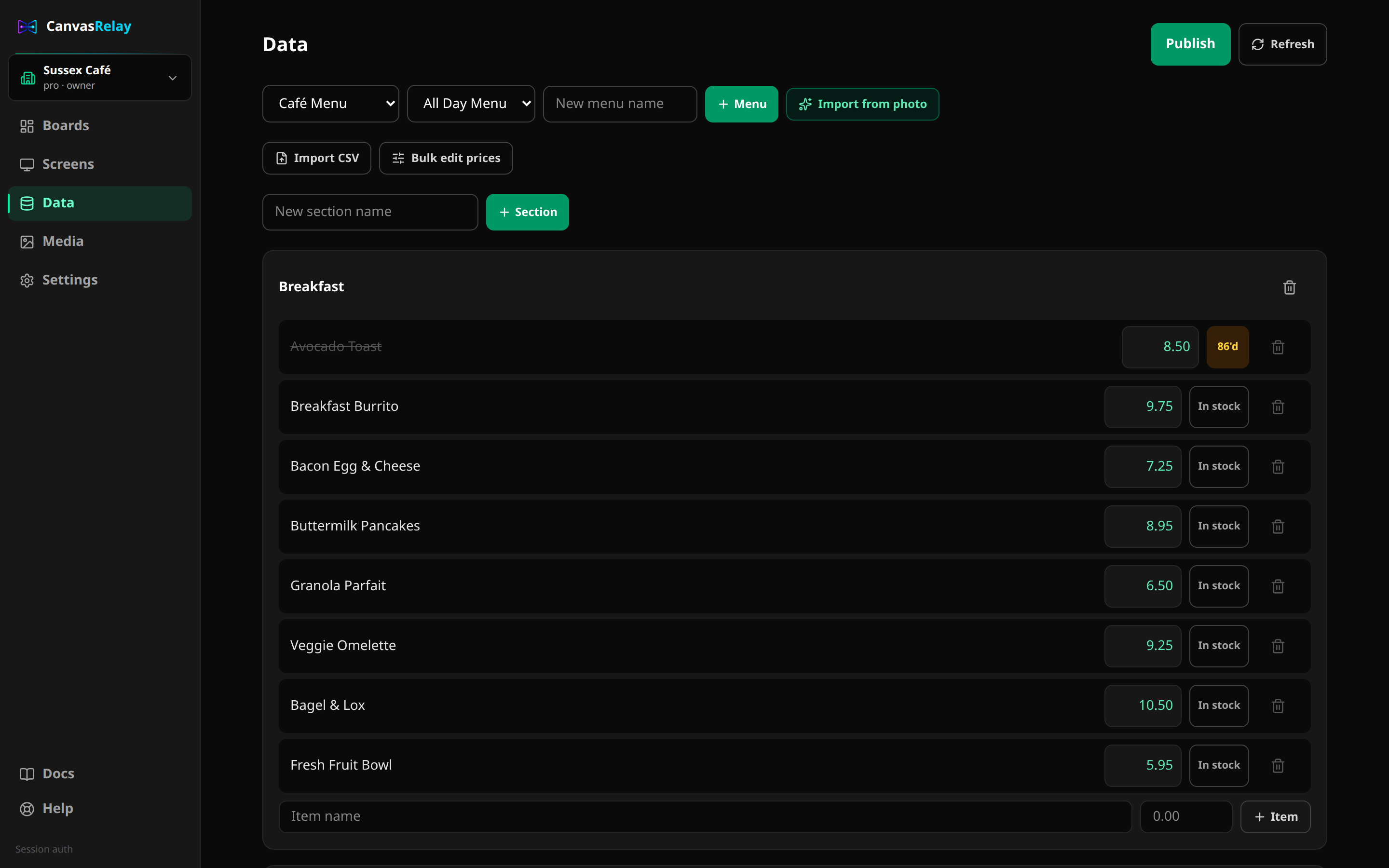
Vision AI reads printed menu content into structured sections, items, and prices with a review step before records are created. Pasted-text parsing remains a model-free fallback.
A general prompt creates two or three reviewable scene candidates inside your existing board using supported text, shapes, and explicitly authorized Media images. Accepting a candidate is explicit and atomic.
Request description/copy help where the current structured-content workflow supports it, then accept only the suggestion you want to keep.
Instructions such as raising a set of prices can be interpreted into a server-computed from→to diff that stays visible before it is applied.
Relay Assistant can answer product-support questions from Canvas Relay documentation and use explicitly shared diagnostics rather than inventing screen state.
Creator
30
AI credits / month
Pro
100
AI credits / month
Studio
500
AI credits / month
Yes. Relay Assistant can generate signage-ready images in landscape, square, or portrait formats and save the result to your Media library. It does not place the image on a board or publish it automatically — you decide where it goes.
Upload a photo or PDF. AI extracts sections, items, and prices with confidence information, then you review and edit the rows before accepting them as linked records. Pasted text can be parsed without model credits.
Creator includes 30 AI credits per month, Pro includes 100, and Studio includes 500. Model-backed actions reserve credits before they run; deterministic tools such as pasted-text parsing and direct structured edits do not consume AI credits.
The editor, boards, menus, publishing, and screens keep working. Model-backed AI actions pause until the allowance resets or the plan changes; manual and deterministic editing remain available.
No. Generated media is saved separately, and layout/copy/data actions are proposals you review and accept or discard. Canvas Relay does not let the model silently publish to a live screen.
Yes. A general prompt creates two or three reviewable, editable scene candidates inside an existing board. Supported general candidates use text, shapes, and Media images you explicitly authorized. Acceptance is explicit and atomic, and AI never publishes.
Not yet. One prompt does not currently assemble an entire board with multiple scenes, schedules, widgets, menus, and data integrations. Canvas Relay describes the implemented editable scene-candidate workflow without calling it complete board generation.
Create a free account, open Relay Assistant, and keep every generated or proposed change under your control.
Try the editor — no account neededFree plan includes one live screen. No credit card. No trial clock.