
01
Linked menu data
Sections, items, and prices live in one table. Boards bind to items, so a price change propagates everywhere — including sold-out states, which can strike, dim, or hide the item automatically.
Feature · Multi-screen
CanvasRelay separates your data from your layouts: edit the menu record and every board showing it updates. Publish to a dozen TVs with the same confidence as one — versioned releases, atomic updates, instant rollback.
Boards and releases
Sections, items, and prices live in one table. Boards bind to items, so a price change propagates everywhere — including sold-out states, which can strike, dim, or hide the item automatically.
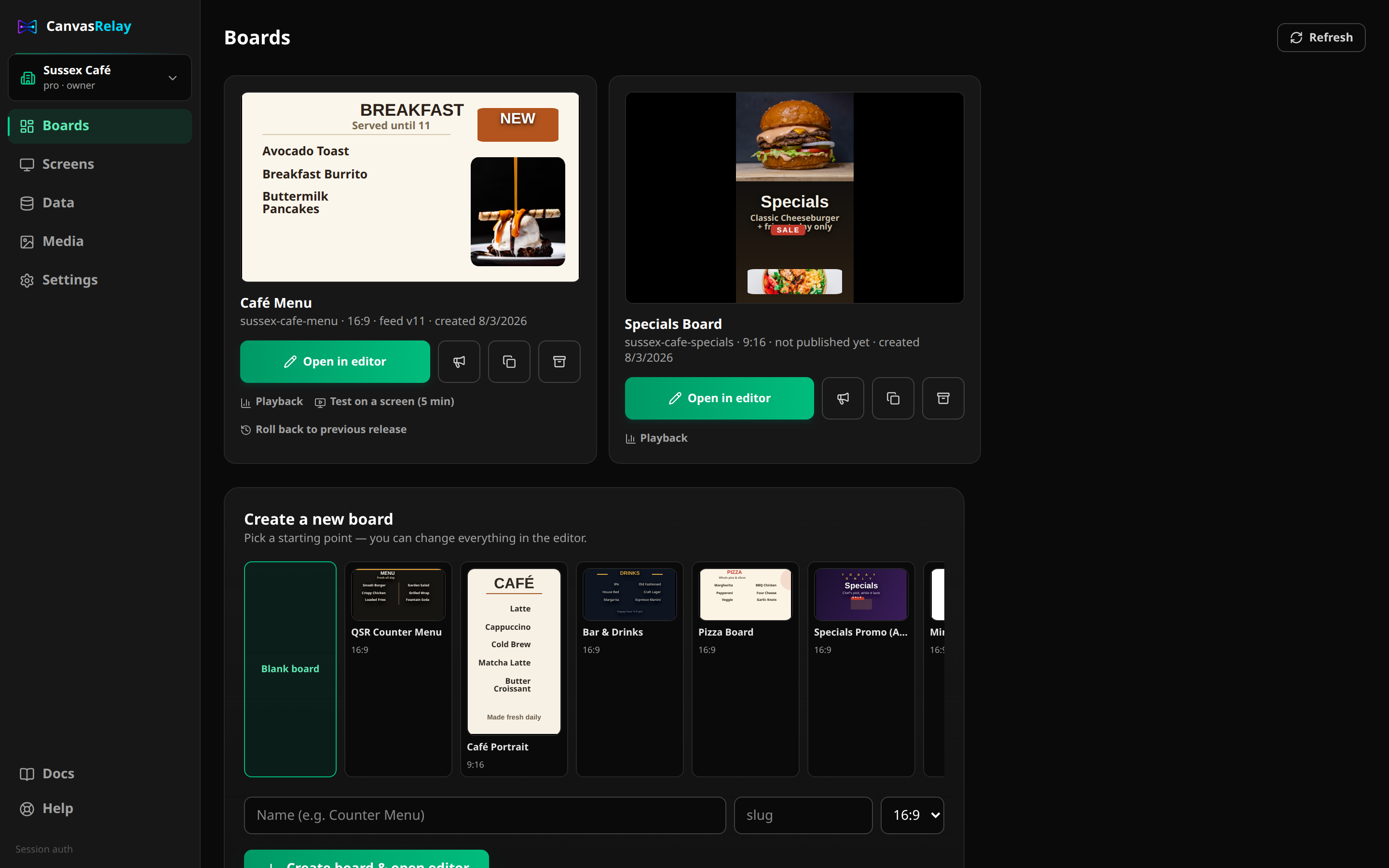
Every publish cuts an immutable, numbered release with a complete asset manifest. Boards follow the latest; individual screens can be pinned to any version.
Bad publish? Re-point the board to the previous release and every screen rewinds on its next poll. No re-upload, no rebuild.
A screen only flips to a new version after 100% of its assets are cached locally. Half-downloaded updates simply never appear.
Scenes carry time-of-day schedules with automatic rotation and transitions. Breakfast-to-lunch flips happen on schedule, online or off.
Push an announcement to one board or every screen in the organization with an expiry. Applies in under a minute, then removes itself.
Pro — put screens in a named sync group and they rotate scenes and play video in lockstep (within a few hundred milliseconds). Per-screen millisecond offsets choreograph video walls, and you can pin a release to the whole group at once.
Menu items live in one linked data table per organization. Change a price once and every board element bound to that item — on every screen — shows the new price at the next refresh. No re-editing each layout.
Yes. Each device is assigned to a board, and you can pin a specific screen to an older or test release while the rest follow the board's latest. Rollback is one click per board.
Boards support time-of-day schedules — breakfast menu in the morning, lunch at 11, a 'we're closed' scene overnight. Screens switch automatically, even offline, because the schedule travels with the cached release.
Players only activate a release after every asset is fully cached on the device. A partial download can never corrupt a playing screen — the last good version keeps playing and the player retries.
Open the editor right now — no account, no download. If you like what you make, save it with a free account.
Try the editor — no account neededFree plan includes one live screen. No credit card. No trial clock.